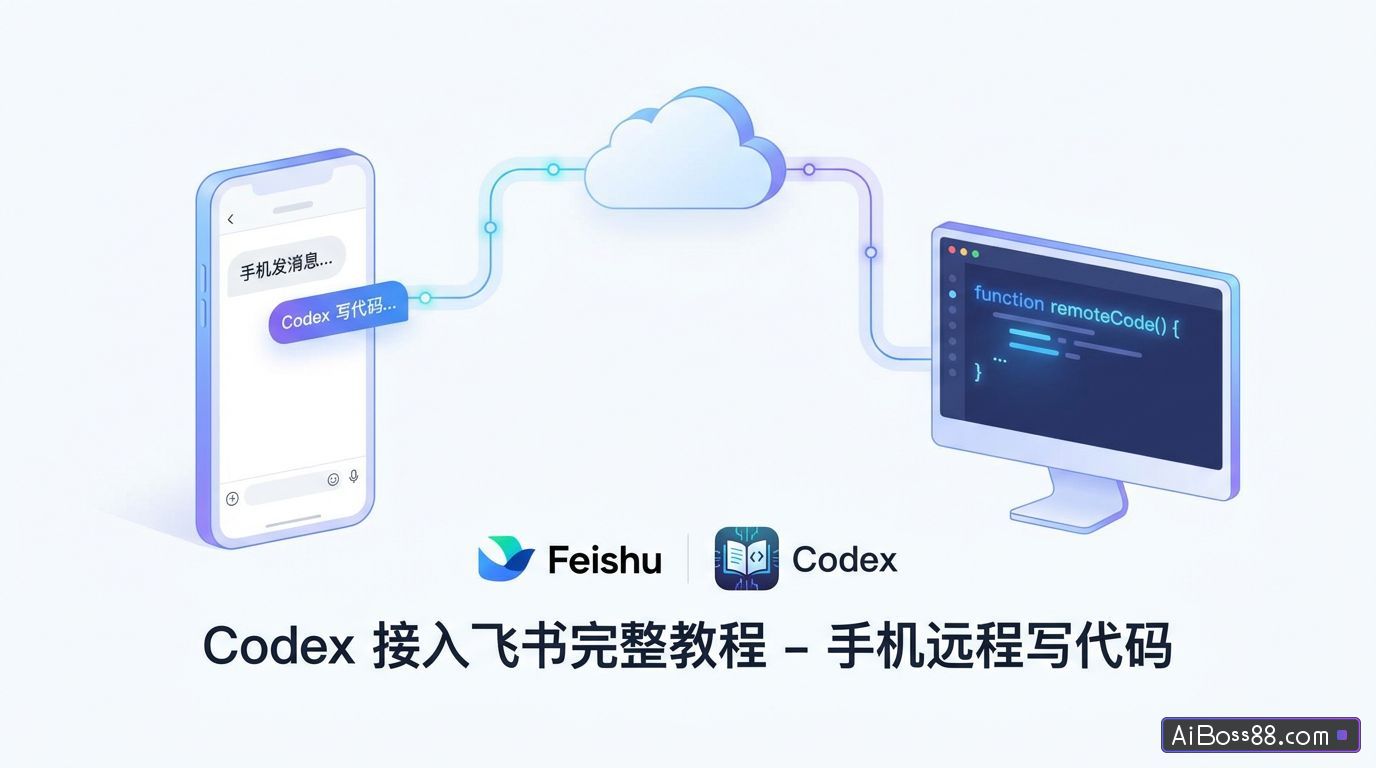
Complete tutorial on integrating Codex with Lark - Remotely write code by sending messages from your mobile phone
A few days ago, I saw blogger @张咋啦Zara integrate Claude Code with Lark, allowing users to use their phones to process work-related tasks with Claude Code, just like having a conversation with a colleague. Most of our daily work communication and workflow is done on Lark...
A few days ago I saw blogger @张咋啦Zara's post... Claude Code integrates with Lark, allowing users to chat with their phones as easily as conversing with a colleague. Claude Code handles the work content.
We usually communicate and process most of our work on Lark, which definitely saves us a lot of trouble.
However, I use it more often for daily document processing and organizing of ideas. CodexThanks to @ZhangZalaZara recommendAs a bridging tool, I also connected Codex to Lark.
When an idea suddenly strikes me while I'm out and about, I can send a message on Lark on my phone, and Codex can immediately provide a framework for a solution. If I don't understand a business report, I can simply take a screenshot and send it to Codex, and it can analyze it with the image.
Below, I'll share the access steps I figured out and the actual test results with you. You can get it done in just a few minutes by following along.
Before we begin, we need to ensure that Codex is working. If we need to code, we also need to install Chat in VS Code.GPT An extension of /Codex.
The bridge we'll be using this time is Codex Remote Feishu.
GitHub: https://github.com/kxn/codex-remote-feishu
Run directly on macOS/Linux:
curl -fsSL https://raw.githubusercontent.com/kxn/codex-remote-feishu/master/install-release.sh | bash
Windows PowerShell run:
irm https://raw.githubusercontent.com/kxn/codex-remote-feishu/master/install-release.ps1 | iex
After the script runs, it will open a Codex Remote Feishu v1.8.4 installer in your browser.
Just follow the installation program step by step. After the environment check is successful, you can scan the QR code to create an application in Lark. Just click "Create Now".
If any permissions are missing, simply copy the provided code and then click to jump to the Lark backend permission settings interface.
Click "Batch Import/Export Permissions," fill in the copied information, and then click "Add Permission."
Next, it will let the robot try to send an event subscription test. Generally, there will be no problem. If it fails, you can go to the Lark backend to configure it.
Next is the callback test, which usually doesn't have any problems.
Next is the robot configuration. You can access the Lark backend to configure it. If you don't configure it, you will have to manually type/command everything, which is very inconvenient on your mobile phone.
I've only set up one stop command here. If you want others...One-clickYou can set multiple commands yourself.
automaticYou don't need to do anything during startup. After the check passes, you will enter VS Code integration. If you don't need this feature, you can skip it by clicking the "Don't use it yet" button.
Once the integration is complete, we can release a new version of the robot, which will then be available for use in Lark.
The following two settings can be selected based on your usage habits.
Before starting the task, we need to select our workspace (that is, choose which project to have the conversation under). Type /list to enter the selection interface.
Case 1: Creating a new document on a mobile phone
Even when I'm out and about, I can keep up with my work. I use my phone to remotely control Codex to create a new document and get started:
Prompt wordsPlease create a new folder named "Mobile Office" under this project.
It created the folder for us in just 30 seconds, so we can work from home using our phones now! I'm so happy!What kind of nonsense is this?!
Case 2 Information Document
For routine information gathering, it can also help us, and then use Lark CLI (the official CLI tool of Lark) to generate cloud documents and store the information.
Prompt wordsCollect data from the last 30 days. AI From the relevant benefits information, select 10 benefits that you think are the best, and then call them. lark The CLI tool creates a Lark document called "Welfare Collection" and puts welfare information into it.
Codex collected the information, called the tools, and created the Lark Cloud document in just 18 minutes.
The documentation perfectly met my requirements, detailing all 10 benefits, including how to claim them and the time limits.
Case 3: Making a PPT
Previously, creating a PPT required manually typing and gathering information. Now, once the theme and requirements are set, you can simply submit it to Codex via Lark.
Prompt wordsIn this current PPT cloud document, using the existing template style, collect the necessary information and rewrite it into a PPT introducing Codex.
The overall style was similar to what I had given it. It only took half an hour to revise all 20 pages of PPT, which is quite efficient. The final result was also very good.
case 4 Generate webpage
Let Codex run a test of our chosen topic:
Prompt wordsRun my chosen skill and put the result into an HTML file in this folder.
You can get the job done without even sitting in front of a computer, and the results are excellent. It's very convenient and...High efficiency.
Case 5 Front-end design
When using Codex, you can feel that it's relatively weak in front-end development. However, if we first have Codex generate a diagram and then build the front-end based on that diagram, we can achieve very good results.
Prompt words:use Image-2 Generate three visual designs for the backend data dashboard. A professional level is required. SaaSIt features high information density, restrained colors, and clear navigation, indicator cards, trend charts, and task lists.
After receiving the images, let's pick one more to discuss:
Prompt wordsFollowing the visual direction of this image, create a React + Tailwind front-end page. Do not copy the image details verbatim; focus on replicating the information hierarchy, layout rhythm, and color scheme.
He sent me the results while I was still out shopping. Working on my phone is so convenient!
The results were very good. Previously, when writing pages with Codex, it was easy to start by working out the components and layout, and the output was very...SimpleIt looks terrible.
Now, if you give it an image and an aesthetic anchor, the result will be much better.
Some friends might ask, if I'm writing code on the computer every day, my first thought might be: why don't I just use Codex?
However, Lark integration is very valuable whenever we encounter these scenarios:
I frequently use my phone to handle work messages.
I hope to be able to continue the project without turning on my computer.
I want to collaborate on screenshots, files, and progress updates all within Lark.
Lark has been adopted as the entry point for team work.
Currently, the models I call in Codex are mainly... GPT-5.5 is indeed powerful, but high-intensity use requires a Pro plan, which costs over a thousand RMB per month, making it quite expensive for most individuals.
In fact, we don't fully utilize our abilities in 90% of our daily office scenarios. GPTWith its full potential of -5.5, if you switch to a domestic model, you can achieve 90% of the capabilities of a top-tier model for 1/10 of the price. This cost-effectiveness is very worthwhile for most people.
But having a high-performance, cost-effective model is not enough.
The integration of Codex and Lark completely changed the way I work, making me realize that what's more important is having top-tier product applications that can unleash 120% of the model's capabilities. AI Only when technology is integrated into the details of daily work and a new human-machine collaborative workflow is built can it truly be put into practice.
Original link:Codex is now integrated into Lark! Write documents and develop projects anytime, anywhere.