
How to complete tasks with WorkBuddy in one sentence, with 8 frequently used office scenario prompts.
How to complete tasks with WorkBuddy in one sentence, with 8 frequently used office scenario prompts.
This article introduces eight high-frequency application scenarios of Tencent WorkBudd in the workplace. The core idea is to use a single command to automate repetitive and time-consuming tasks through an AI agent. It highlights eight key pain points in office work...
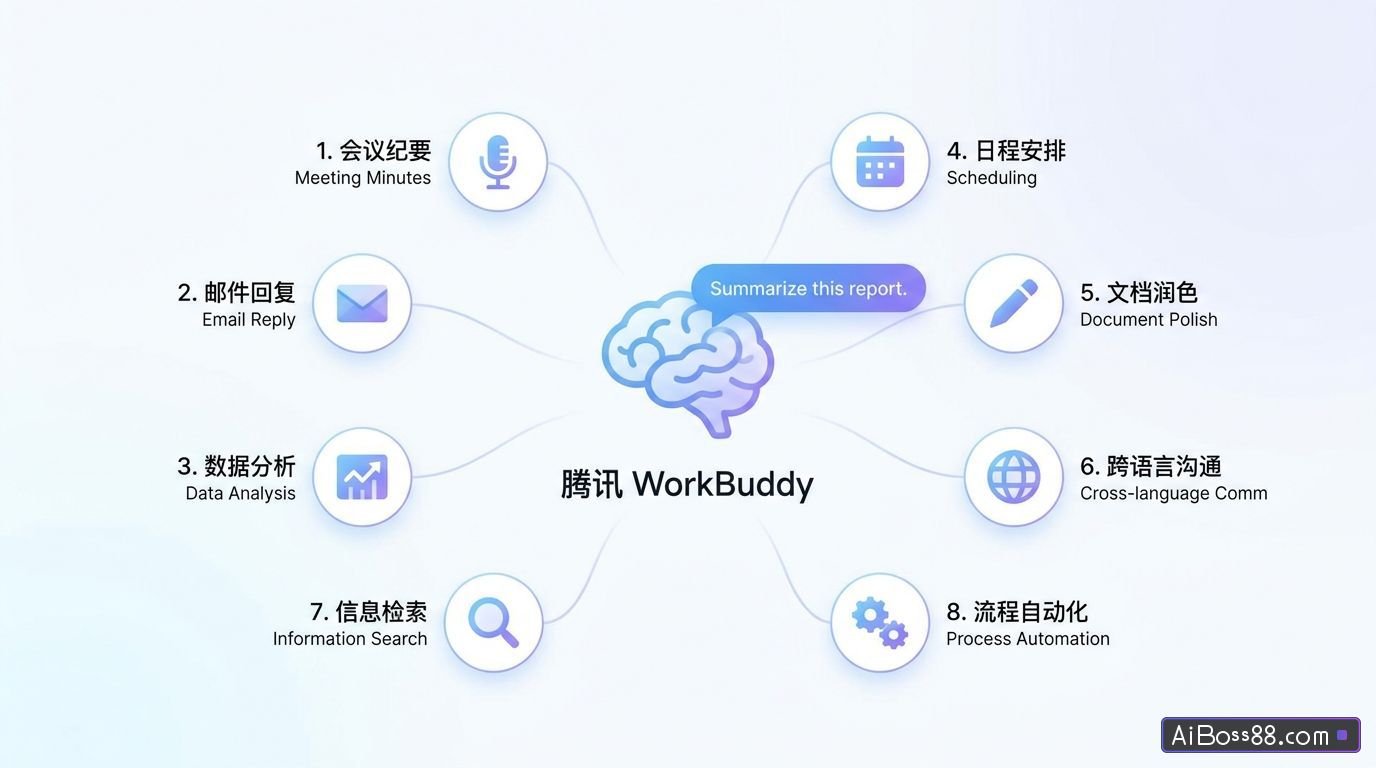
This article introduces eight frequently used application scenarios of Tencent WorkBuddy in the workplace. The core idea is to use a single command to delegate repetitive and time-consuming tasks. AI Agent automaticCompleted. This section highlights eight frequently encountered office pain points, including resume screening, invoice reimbursement, content creation, and data cleaning, using "Before/After" comparisons to demonstrate how a single natural language command can drive these processes.AI AgentautomaticComplete repetitive tasks. (Attached is a copyable template.)Prompt wordsThe original text and screenshots of the implementation results significantly lower the barrier to entry, helping workers to offload the repetitive tasks of their 8-hour workday.AITo ensure that you can leave work on time.
1. Resume screening (HR scenario)
-
beforeI opened each resume, manually compared job descriptions, filled out forms and scored them, working myself to the bone.
-
NowTell WorkBuddy, "Based on the candidate resumes and job descriptions in the xxx folder on your desktop, sort the resumes by match and score them, and prioritize them for interviews."
-
Effect:AI automaticGenerate a "Candidate Matching Score and Interview Priority Report", which includes ranking, score, core highlights, key reminders, and an explanation of the scoring criteria (hard requirements 40 points + job matching 35 points + bonus points 25 points).
2. Invoice reimbursement (financial scenario)
-
beforeAt the end of the month, each table is photographed and entered; if there is even a single mistake in the amount, date, or project name, the entire table is rewritten.
-
NowSelect the folder containing the invoices, and use the command "Extract all the amounts, dates, and item names from the invoices and organize them into folders".
-
Effect:AI automaticGenerate a folder using the naming convention of "Customer Name + Invoice Date + Total Amount", and generate invoice PDFs. automaticArchive to desktop.
3. Content creation (operations/editor-in-chief scenarios)
-
beforeI spent 1 hour researching, 1 hour organizing my thoughts, and half an hour formatting, and when I submitted the draft, I was told it was "not internet-savvy enough."
-
NowEnter "Based on this topic, search online..."up to date"Based on relevant materials, generate an 800-word draft tweet."
-
EffectA draft can be produced in 15 minutes; users only need to polish it. The example text uses "OpenClaw Crayfish" as its theme.AI automaticThe output includes 5 major scenes (automaticThe first draft of the tweet (office, price negotiation, technical assistant, side hustle robot, home butler).
4. Data cleaning (data analysis scenario)
-
beforeWriting formulas, checking for errors, adjusting formatting—it took me ages to figure it out.
-
NowThe command is: "Clean up dirty data in the Excel spreadsheet in the workspace, remove duplicate rows, fill in blanks, and generate a distribution chart".
-
EffectThe data is clean and direct, and charts are generated directly.
5. PPT Presentation
-
beforeCopying templates, manually formatting, and writing summaries—no one can finish reading a 50-page competitor document.
-
instruction"Based on a cosmetics brand analysis document in the workspace, generate a PPT presentation that includes product comparisons and strategic recommendations."
-
EffectJust drop the document in, it's a PPT. automaticgenerate.
6. Analyze the table
-
beforeCustomer feedback piles up every quarter, requiring us to go through chat logs, compile tables and statistics, and guess the reasons ourselves.
-
instruction"Based on the customer feedback forms in the workspace, we categorized the issues and summarized the top 3 reasons for customer complaints."
-
EffectEmotional categorization, problem extraction, and optimization suggestions are all provided at once.
7. Develop a training syllabus
-
beforePreparing for a new course requires starting from scratch by researching materials, creating an outline, writing lecture notes, and making courseware, which takes up most of the day.
-
instruction"Based on the 'Clothing Company Documents' folder on the desktop, create a course outline for new employee onboarding training that includes company culture, job skills, and frequently asked questions."
-
EffectThe outline framework is generated directly, and details are added module by module, cutting lesson preparation time in half.
8. Assist in creative work
-
beforeFinding references takes half an hour on Huaban (a Chinese online forum), writing proposals takes half a day, and generating concept maps requires learning a lot of skills. Prompt grammar.
-
instruction"Please generate a minimalist poster with a Morandi color scheme, in a 9:16 aspect ratio. The text should read: 'With a good mindset, you can live in Bali.' The font should be stylish."
-
EffectThe reference example will be implemented immediately.
Original link:8 Internet workersEssentialWorkBuddyPrompt words