
How to build your own AI knowledge base using DeepSeek V3: A quick start for beginners
How to build your own AI knowledge base using DeepSeek V3: A quick start for beginners
This article provides a solution for quickly building a personal AI knowledge base. By combining AnythingLLM and DeepSeekV3, users can efficiently manage their knowledge base and perform intelligent retrieval and question answering using AI. The article details...
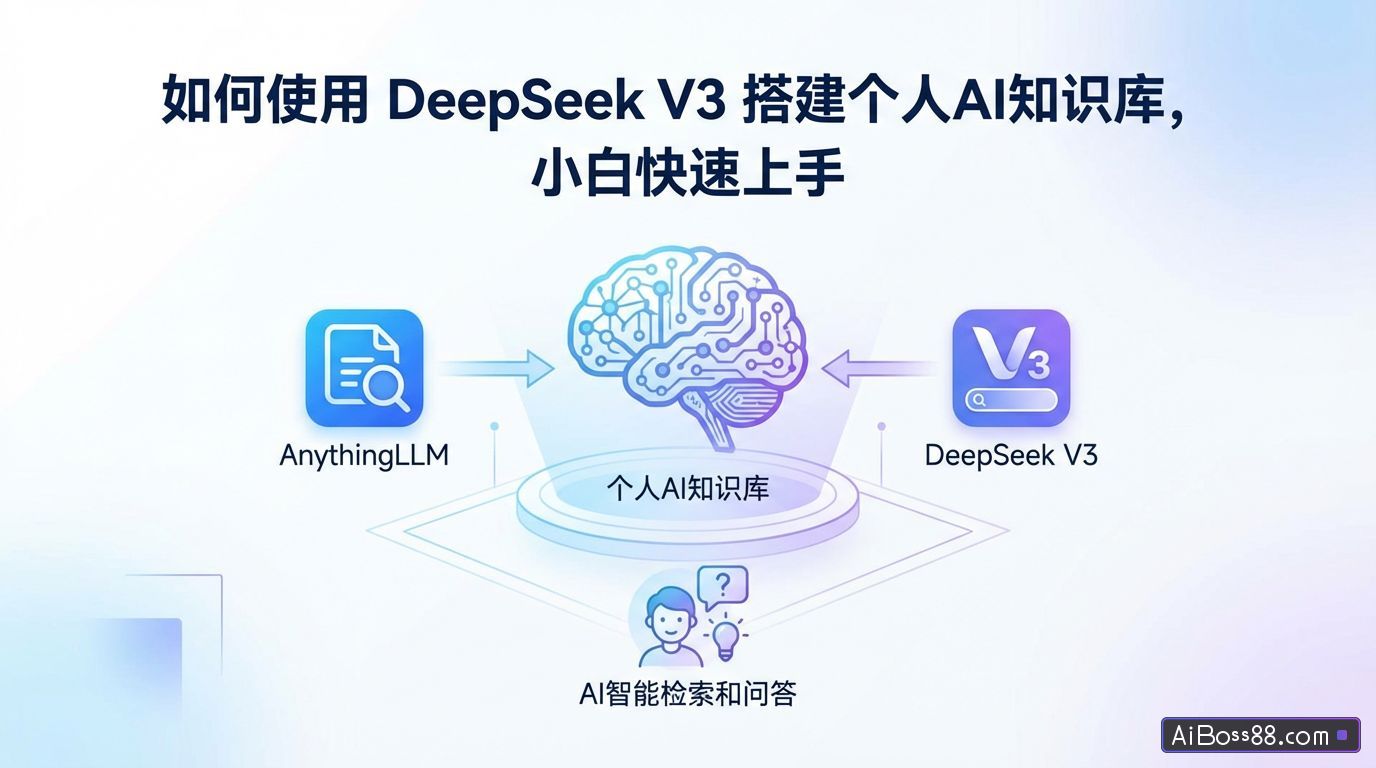
The article providesfastBuilding a personalAIThe knowledge base solution, by combining AnythingLLM With DeepSeek V3, users canHigh efficiencyManage your own knowledge base effectively, throughAIconductintelligentSearch and Q&A. This article details the steps for installation, configuration, document uploading, and knowledge retrieval, making it suitable for beginners.fastGet started.
Station MasterrecommendHow to resolve the DeepSeek server being busy? (16 questions)freeR1 Full-Power Alternative
Why is private space needed?AIknowledge base?
Traditional large-scale language models (LLMWhen answering questions, issues such as irrelevant answers and clichéd responses may arise, leading to low information retrieval efficiency. Private knowledge bases in...AIIn this era, private knowledge bases combined with excellentLLMIt can significantly improve the efficiency of knowledge retrieval and summarization. It can be used for internal enterprise knowledge management and is suitable for building personal knowledge bases.
personalAIKnowledge base construction scheme
- AnythingLLM:open sourcefreeIt is a front-end tool for knowledge base management, supporting services such as uploading knowledge, vectorized data, and search enhancement (RAG).
- DeepSeekV3DS (abbreviated as DS) is a product launched by Magic Square Quantitative.Large ModelPerformance andClaude With a value of 3.5 and a relatively low token price, this solution uses DS as the inference model.
1. Install AnythingLLM
- Download and Installation:
- Download link: Visit AnythingLLMThe official website supports Windows, macOS, and Linux systems.
- After opening the software, you need to set it up first.LLM(Language model).
- choose DeepSeek AsLLMProvider.
- Model selection chat(i.e., DeepSeek V3 model).
- To obtain an API Key: You need to register an account on the DeepSeek website and deposit a small amount of money.
- Basic configuration:
- Basic configurations can be made in the settings button in the lower left corner, such as...LLMEmbedded models, vector databases, etc.
- Beginners are advised to keep the default settings.
- Embedding model: Recommended. bge-m3It offers good support for multiple languages and long texts, but requires Ollam to be running locally. Beginners can skip this step.
2. Upload document
- Upload method:
- Click the upload button in the workspace to upload PDF, CSV, audio files, or capture web page content.
- After uploading, right-click the file and select "Add to workspace".
- Extended functionality:
- exist DataConnector In this tool, you can obtain data from platforms such as YouTube videos (with subtitles required) and Confluence documentation libraries.
3. Knowledge Retrieval and Question Answering
- Start a conversation:
- Click in the work area New Thread Initiate a new conversation.
- After asking the question,AIIt will answer based on the content in the knowledge base.
- View the source of the citation.:
- If you want to confirmAIThe source of the knowledge in this answer can be found by clicking at the bottom of the answer. Show Citations View the cited knowledge.
- Real-time search function:
- AnythingLLMThe new version supportsAgentThis mode can connect to search engines such as Google and Bing to enable real-time searching and increase the timeliness of knowledge retrieval.
DeepSeek Prompt wordsTechniques, 10 specific techniques
DeepSeek's feeding-level performancePrompt wordsinstruction,practicalOperating Instructions