
Clawd-on-desk Real-World Test - Desktop Pet That Provides Real-Time Feedback on AI Agent Status
Clawd-on-desk Real-World Test - Desktop Pet That Provides Real-Time Feedback on AI Agent Status
Today I'm sharing some things suitable for having a desktop pet. When we use Claude Code or Codex CLI, the text in the terminal is constantly scrolling, and unless you're paying close attention, you have no idea what the agent is doing. Today I'm recommending something for...
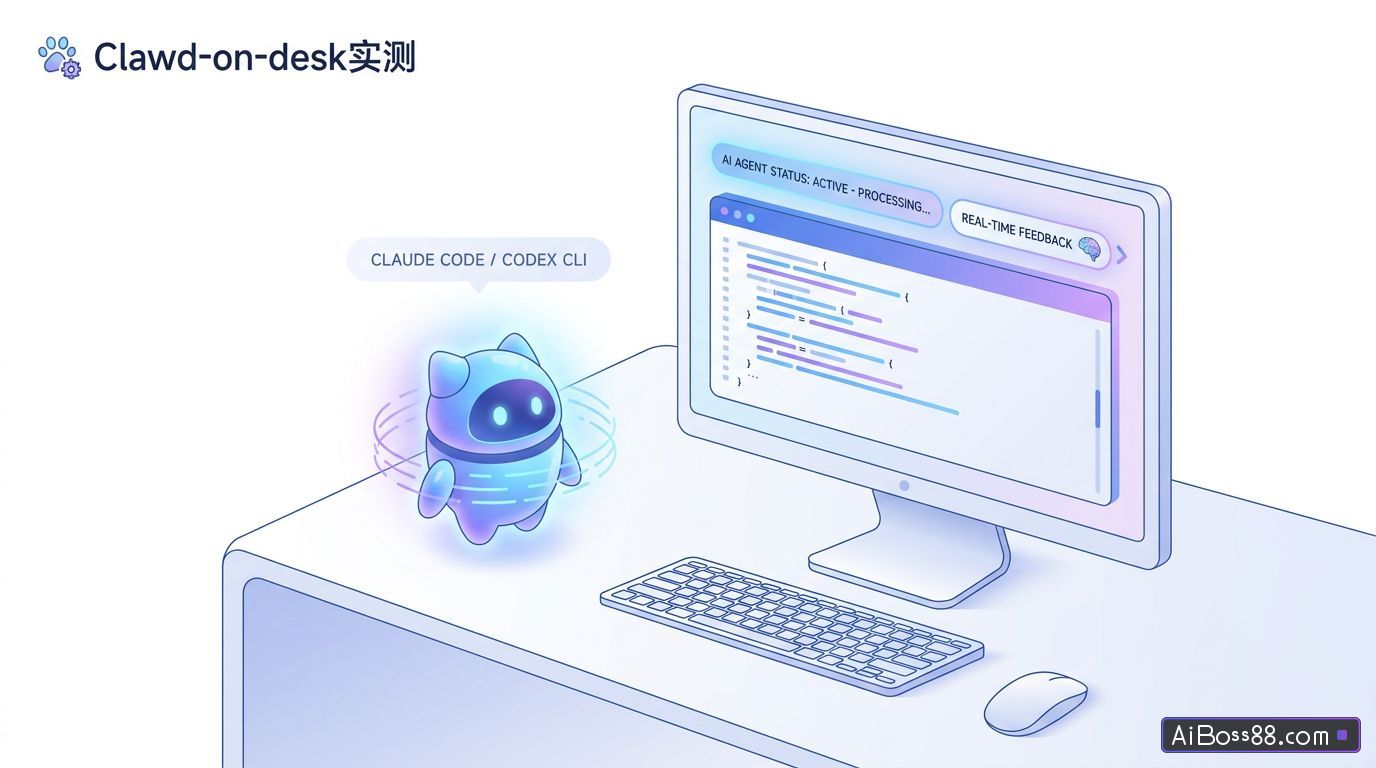
Today I'm sharing some things suitable for keeping desktop pets.
We usually use Claude Code When working with Codex CLI, the text in the terminal keeps scrolling, and you won't even notice it unless you're looking closely. Agent What are you doing.
Today I'm going to give you...recommendA person on GitHub called Clawd-on-desk Desktop pet project,Clawd-on-desk ableautomaticPerception AI Agent A glance out of the corner of my eye is enough to tell. AI Whether you're thinking, using tools, or have already finished, you're still working on it.
Clawd-on-desk It is an orientation AI Agent A desktop pet application.
Project address:https://github.com/rullerzhou-afk/clawd-on-desk
- You just submitted a prompt, and the desktop pet has entered a thinking state.
- Agent Adjust tools, run commands, and modify files; the desktop pet enters typing or working mode.
- son Agent Working in parallel, the desktop pet switches to a special animation.
- Agent When permission is requested, an approval bubble pops up on the desktop.
- Task completed, the desktop pet plays a celebration animation.
- When you leave or enter Do Not Disturb mode, your desktop pet will go to sleep.
In addition to the status being displayed.Clawd-on-desk mostpracticalThe function is a permission approval bubble.Claude When tools like Code, Codex CLI, CodeBuddy, and opencode request permission, Clawd can display a floating card on the desktop, allowing you to click "Allow" or "Deny." This eliminates the need to constantly monitor the terminal for confirmation.
If you are running on a remote server Claude With Code or Codex CLI, Clawd supports forwarding remote status and permission requests to the local desktop.
Clawd also has a Mobile / PWA Functionality. Once enabled, accessing the paired link on your phone will allow you to view the device. Agent Session status. This way, you can know the session status in real time while using your phone. Agent How far has it gone?
Clawd-on-deskThere are three default themes:
- Clawd: Pixel Crab
- Calico: calico cat
- Cloudling: Cloud Treasure
Clawd also supports custom themes and can import Codex Pet animation packs. It offers a high level of playability for those who enjoy customizing desktop pets and pixel animations.
It is also very easy to useSimpleDownload the installation package corresponding to your system, open it, and then open your own... AI AgentThat's fine.
Case 1: Run a complete task
Case 2 Permission Bubble
when Agent When permissions are required, the desktop pet will pop up a permission request box on the top page; simply click it.
Case 3 Error Status
When a task fails, an error message will be displayed.
Case 4 Remote Control
Clawd-on-desk It also has a remote control function; you only need to... Clawd-on-desk Simply fill in your VPS information in the program.
After filling it out, just click the link.
The first time, you need to click the "First Authentication" button to connect. After connecting and installing the hook, run it remotely. Agent You can then confirm permissions locally.
For remote servers, it's best to log in using your private key. Using a password will likely result in a persistent error message like this:
[failCreate a remote hook directory – root@000.000.000.000: Permission denied(publickey, password).
Case 5: Mobile Phone Companion
exist Clawd-on-desk After enabling Mobile/PWA in the settings, open the pairing link on your phone.
After opening the link, you can see various [items/items] on your phone. Agent The project's operational status has been updated.
A Stack Overflow 2025 survey revealed that 14.9% of professional developers use it daily at work. AI Agent9.2% use it weekly, and 7.7% use it occasionally; Agent Of the developers, 83.5% use it for software engineering tasks.
However, at the same time, 87% of respondents were worried Agent Regarding output accuracy, 81% are concerned about security and privacy.
Developers are willing to use AgentDevelopers also need to be able to see it. Agent What are you doing?
Clawd-on-desk We are not responsible for writing your code.Clawd-on-desk Responsible for Claude Code, Codex CLI, and similar programs Agent The running status, permission requests, and remote sessions are synchronized to the desktop.
For individual developers,Clawd-on-desk It can reduce the number of times you switch back to the terminal, and reduce the costs caused by missing permissions, misjudging progress, and black-boxing remote tasks.
wait AI Agent Becoming a resident tool in the development environment, with visible status, controllable permissions, and remote takeover capability, will become... AI The basic experience in a programming workflow.
Clawd-on-desk Make this a lot of fun.
Original link:GitHub garners 5,000 stars, capable of sensing AI Status of desktop pet