
How to use AI to generate a visual webpage from a long article with prompts in one click.
How to use AI to generate a visual webpage from a long article with prompts in one click.
In the digital age, the way information is presented is undergoing a dramatic transformation. While traditional documents, such as PDFs and PowerPoint presentations, still play an important role in information delivery, their limitations are becoming increasingly apparent. This article will introduce how to...
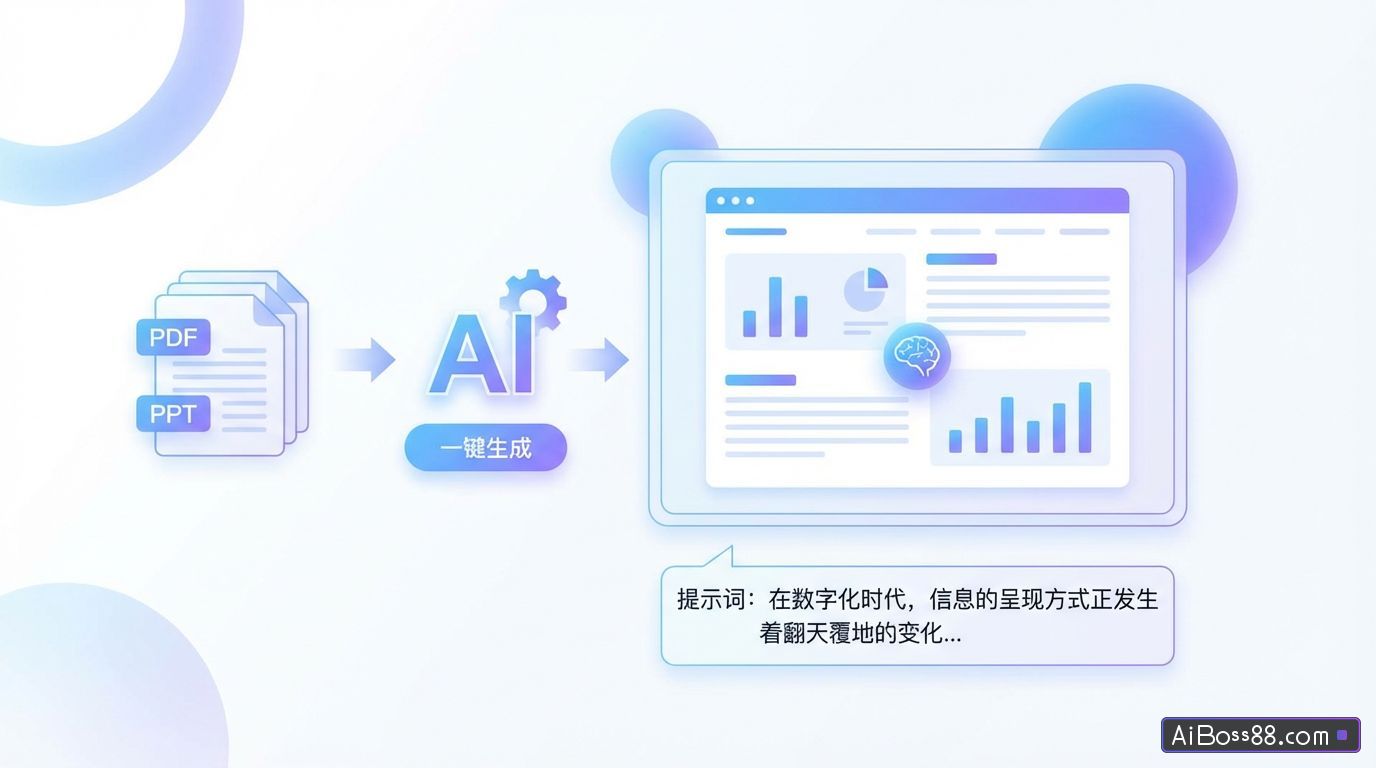
In the digital age, the way information is presented is undergoing a dramatic transformation. While traditional documents, such as PDFs and PowerPoint presentations, still play an important role in information delivery, their limitations are becoming increasingly apparent. This article will introduce how to use...AIPut the documentOne-clickTransform into a visual webpage, based onAITechnology can convert PDF documentsOne-clickTransforming information into interactive, visual web pages makes information delivery more vivid, interesting, and engaging.High efficiency.
Limitations of traditional documents
- Poor reading experienceFaced with dense text, readers can easily feel tired and lose focus.
- Low information transmission efficiencyLinear reading methods limit the reader's access to information.fastUnderstand and absorb.
- Lack of interactivityReaders can only passively receive information and cannot actively explore or interact.
Advantages of visual web pages
- Enhance reading experienceThrough rich visual elements and interactive design, reading becomes easier and more enjoyable.
- Enhance the effectiveness of information deliveryTo present data and concepts in a more intuitive way, helping readersfastUnderstanding and memorizing.
- Inspire proactive explorationIt offers multiple interactive methods to encourage readers to actively explore information and meet the needs of different learning styles.
Required tools and resources
- AIModel:at present,Claude 3.7 Sonnet is the best choice. It can respond to given hints (PromptGenerates high-quality, visual webpage code. Option support is available.Claude 3.7 Sonnet platform (e.g.)Claude(Official website, Trea overseas version, Cursor, etc.)
- Text Editor: Used for editing and modifying prompts (Prompt).
- Image hosting serviceUsed to host images and generate public links, such as https://sm.ms/.
- Code deployment platformUsed to deploy the generated code and obtain a shareable link, such as https://www.yourware.so/.
- Prepare documentsSelect the file you want to convert, such as a PPT or PDF file, and ensure that its content is clear and complete.
- Editor's Note (Prompt)Use a text editor to copy and paste the provided basic tips.PromptThe template should be adjusted based on the file information.
- Modify informationEdit the author information area by filling in your name, social media links (such as Twitter/X, GitHub, etc.), copyright information, and year.
- Adjust media resourcesBased on the file content, adjust the media resources section. If it's an image, use an image hosting service to generate a public URL and add it to the prompt in Markdown format; if it's a video, find the public video address, obtain the embed code, and paste it into the prompt.
- Generate visual webpage code: Edit the prompt (PromptPaste toClaude 3.7 Platforms supported by Sonnet (such as...)Claude(Official website, Trea overseas version, Cursor, etc.). Click the generate button and wait for the model to generate the visualization webpage code according to the prompts.
- Deployment and sharingCopy the generated code to the code deployment platform, click "deploy code," and wait for the deployment to complete. After deployment, click "copy link" to get the link to the visualization webpage, which you can share with others.
BasePrompt wordstemplate(Prompt)
I will give you a file, analyze its content, and transform it into a beautiful and visually appealing Chinese webpage:
## Content Requirements
– All page content must be in Simplified Chinese
– Retain the core information of the original document, but present it in a more readable and visually appealing way.
– Add an author information area at the bottom of the page, including:
* Author's Name: [Author's Name]
* Social media links: At least include major platforms such as GitHub, Twitter/X, and LinkedIn.
* Copyright information and year
## Design Style
– The overall style references the minimalist and modern design of the Linear App.
– Use a clear visual hierarchy to highlight important content.
– The color scheme should be professional, harmonious, and suitable for extended reading.
## Technical Specifications
– Uses HTML5, TailwindCSS 3.0+ (included via CDN), and the necessary JavaScript.
– Enables full dark/light mode switching functionality, defaulting to follow system settings.
- The code structure is clear, with appropriate comments, making it easy to understand and maintain.
## Responsive Design
– The page must display perfectly on all devices (phones, tablets, desktops).
– Optimize layout and font size for different screen sizes
- Ensure a good touch experience on mobile devices
## Icons and Visual Elements
– Use professional icon libraries such as Font Awesome or Material Icons (imported via CDN).
– Choose appropriate illustrations or charts to display data based on the content theme.
– Avoid using emojis as the primary icon
## Interactive Experience
– Add appropriate micro-interactions to enhance the user experience:
* The button slightly enlarges and changes color when hovered over it.
* Card elements have delicate shadow and border effects when hovered.
* Smooth transition effect when scrolling the page.
* A graceful fade-in animation occurs when content chunks load.
## Performance Optimization
- Ensure fast page loading speed and avoid unnecessary large resources.
– Images are in a modern format (WebP) and compressed appropriately.
– Implement lazy loading technology for long page content
## Output Requirements
– Provides a single, fully functional HTML file, including all necessary CSS and JavaScript.
- Ensure the code conforms to W3C standards and has no error warnings.
- Maintain a consistent look and function across different browsers
Please create a visual webpage that best showcases the content of the uploaded file (document, data, image, etc.).