
DeepSeek local deployment tutorial, even beginners can learn it!
DeepSeek local deployment tutorial, even beginners can learn it!
DeepSeek R1 has become a global phenomenon. No professional prompt writing skills are required; as long as you can clearly state your question, even a primary school student who can only type can receive high-quality answers. Its development costs and output quality are significantly superior to OpenAI...
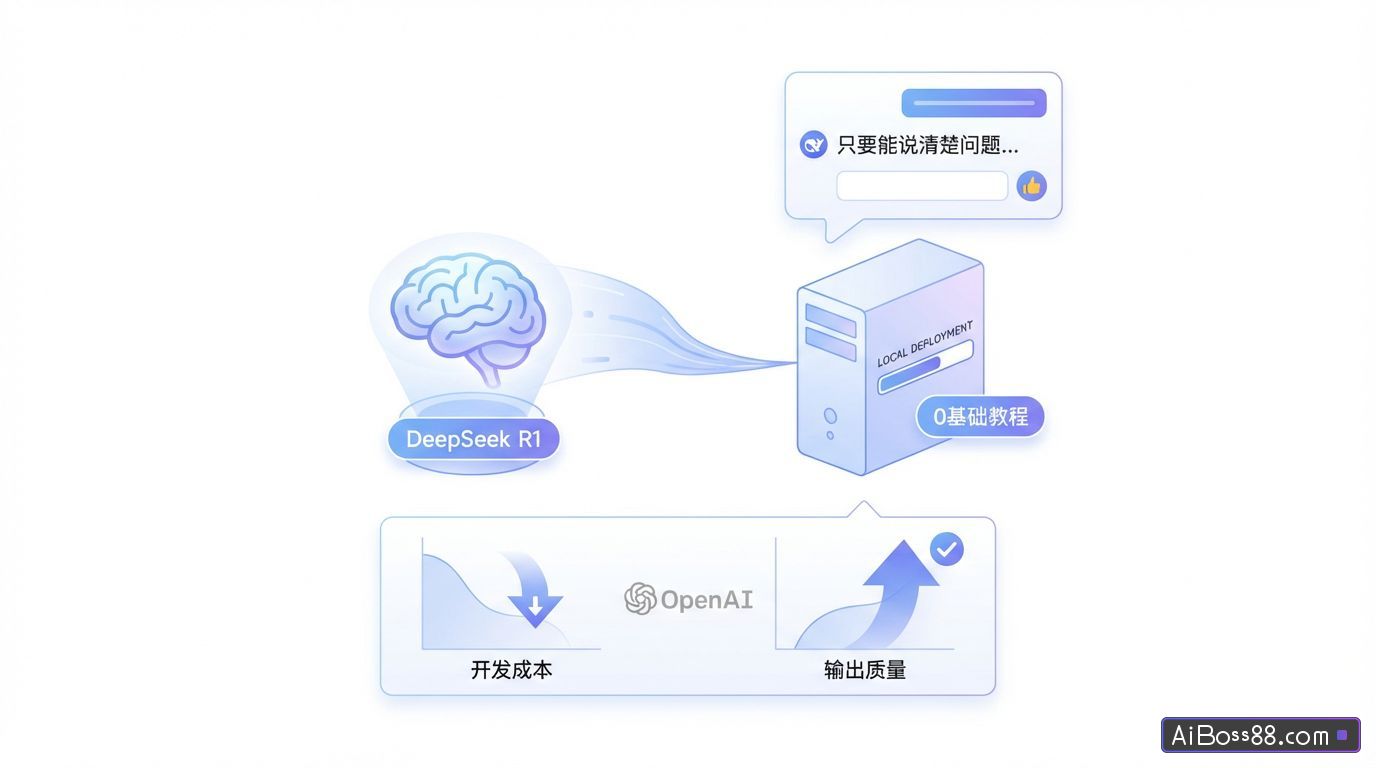
DeepSeek R1 has become a global phenomenon. No professional prompt writing skills are required; as long as you can clearly state your question, even a primary school student who can only type can receive high-quality answers. Its development costs and output quality are significantly superior to OpenSource.AI o1.
Station MasterrecommendHow to resolve the DeepSeek server being busy? (16 questions)freeR1 Full-Power Replacement
The only downside is that it gets so much traffic that it often goes on strike.
Many people started using other platforms that integrated with R1. Some might ask, "Hey blogger, while other platforms that integrated with R1 are indeed very powerful, they still rely too heavily on tokens. Are there any..."free,againSimpleDoes the method use DeepSeek R1?
Some brothers, some.
You can deploy R1 locally on your computer! No internet connection required, no worries about data leaks, completely...freeYou can also build a personal knowledge base and train your own...AIassistant.
01
Deployment process
Local deployment only requires three steps:
- Install Ollama
- Download DeepSeek-R1Large Model
- Using Cherry Studio to call the model
Ollama's model library contains over 40 models.open sourceModels, such as those launched by Alibaba Cloud Tongyi QianwenLarge ModelQwen2.5, Meta Corporationup to dateofLarge ModelLlama 3.3 and others can all be deployed locally using this process.
operateSimpleEven beginners can learn it with a single hand, and it's completely...free!
Next, we will recreate the local deployment of DeepSeek-R1 step by step.Large ModelThe entire process.
02
Install Ollama
Ollama is a program that runs on the local computer.Large ModelA command-line tool that allows you to run locally.Large Model.
Go to the Ollam website, log in, and click Download.
The Ollama installation package is all packaged up for you!Scan the QR code to follow our official WeChat account and reply with:Ollama receive
I'm using a Windows system, so I directly selected the Windows version to download.
After downloading, click install. It will be installed on the C drive by default. The Windows version does not support changing the installation location, so just click "Next" without thinking!
Note that a prompt box will pop up in the lower right corner after installation. Click "OK" to open the window.
Ollama is now installed successfully.
03
Deploying DeepSeek R1 models
We return to the Ollama website, click "Models" in the upper left corner to enter the model library, and then click DeepSeek-R1.Large Model.
Ollama offers seven different models with varying parameters for download.
The R1 model has a parameter of 671B, and you need about 1300GB of video memory to run the full-power version of the R1.
Models 1.5B to 70B are distilled versions of R1. While their modeling capabilities are not as good as the full-fledged version (higher parameter numbers mean greater capabilities), they have lower hardware requirements and are comparable in scale.open sourceThe model performs exceptionally well and is suitable for local deployment by individuals or businesses.
I have compiled a summaryConfiguration requirements for each version of DeepSeek-R1The table is provided for your reference:
Here I choose the 1.5B model. Copy the following command: ollama run deepseek-r1:1.5b
Paste the password into the Ollam pop-up window and press Enter to start downloading the model.
Wait patiently for the progress bar to reach 100%, and when it finally displays "success," the download is complete.
We enter the command in the command lineollama run deepseek-r1:1.5b+ problemYou can directly connect withAIdialogue.
However, the interface looks too rudimentary, and it's not very convenient to have to copy a line of commands every time you ask a question.
Next, we will optimize this issue through the client side.
04
Call the model via Cherry Studio
Cherry Studio is a...open sourceA multi-model desktop client. It can directly call mainstream...Large ModelFor example, OpenAI,Gemini, and the local model.
Like thisopen sourceA useful client is Chatbox. AIAnythingLLMetc.
The official website has also compiled a list.practicalIntegrating files can help us better utilize DeepSeek.
Here we'll use Cherry Studio as an example to demonstrate how to use it.
Go to the download page on the Cherry Studio official website, where you can click "Download Now" or download from the cloud drive link.
The installation process is straightforward; simply click "Next".
After installation, click on the settings in the lower left corner.
In the model services, select Ollam, and enable it in the upper right corner. The API key will be...automaticFill in the information, then click "Manage".
You can see the DeepSeek-R1 model that is already installed locally. Click the "+" sign on the right.
Click to select our locally deployed DeepSeek-R1:1.5B.
You can followAIThis is a normal conversation.
The 1.5B model is not very versatile and is suitable for some...SimpleThe question and answer section addresses the question of how to use a locally deployed R1 application in your work.recommendVersion 7B or higher.
Local deployment of DeepSeek offers timely response times.freeIt has the advantage of high personalization, but it has certain configuration requirements. You can give it a try if you have suitable equipment.
By learning these steps, you can deploy any application locally.open sourceofLarge ModelGo try it!
All tools mentioned in this article:
Ollama:
Cherry Studio: