
How to customize red envelope covers using AI – do it for free in 1 minute!
How to customize red envelope covers using AI – do it for free in 1 minute!
Tonight is Lunar New Year's Eve! How can you make your New Year's greetings more unique? Create a distinctive and meaningful red envelope cover in seconds using AI tools! You can add personalized elements, and it's completely free! Take a minute to read on...
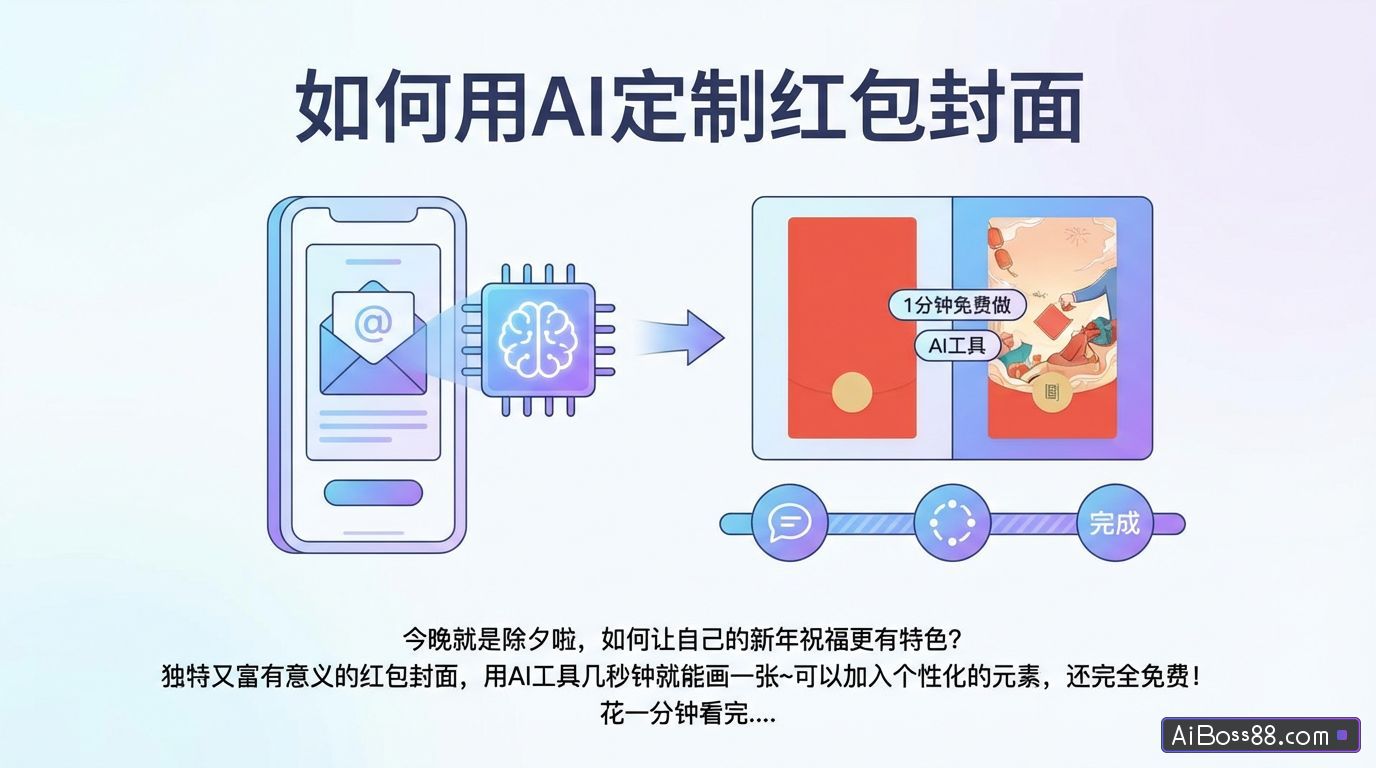
Tonight is Lunar New Year's Eve. How can you make your New Year's greetings more unique?
Unique and meaningful red envelope coversuseAIThe tool can draw a picture in just a few seconds.Personalized elements can be added, and it's completely...free!
Take a minute to read this tutorial, and you'll never have to waste money ordering custom tutorials again.
01
Customization requirements for red envelope covers
To customize a personalized red envelope cover, you need to have an account that has applied for a WeChat Official Account or a WeChat Video Account and has been verified as a business.
For individual users, you can customize your account once you have 100 followers on your WeChat official account or video account.
The red envelope cover can be a static image, video, or PNG sequence frame. It must meet the following requirements:
02
Static red envelope cover
Image creation
Static red envelope covers are actually just like the ones we usually use.AIJust like drawing, adding some New Year and zodiac elements creates a beautiful New Year-themed cover.
We enable the image generation function in JiDream.
Selecting image model 2.1 will generate images with a blessing message.
Click "Unbind Image Ratio" to freely input the image size.
Enter the required dimensions for the static red envelope: 957×1278.
enterPrompt wordsClick "Generate" to get your cover image! Here are some different styles for you.Prompt wordsFor reference only.
Prompt wordsHappy Chinese New Year! Featuring traditional Chinese New Year elements: lanterns and fireworks. The background was moved along the central axis, revealing the character "福" (fortune/blessing) on a lantern. Documentary style, 32K.
Prompt wordsA cute 3D cartoon: a fluffy little orange cat holding a large gold ingot, wearing a God of Wealth hat and a red suit, wishing everyone a Happy New Year.
Prompt wordsTwo anthropomorphic felted snake babies, each holding a red envelope, the left one labeled "Explosive Fortune" and the right "Wealth." At the top of the image is written: "2025, May Your Wishes Come True."
Download the images and videos using the watermark-free download method we shared before.
The downloaded images canUsing TinyPNG,freeCompressed imagesBecause the size of the image uploaded for the red envelope cover cannot exceed 500K.
howfreeDownload JiMeng HDAIImages/Videos
Simply drag the image into the box to upload.
Click on "Common Tools," select "Compress Image Files," and adjust the file size and compression ratio to achieve the desired result.
03
Dynamic red envelope cover
Video production
Move your mouse over the image you generated and click "Generate Video".
Select video model: Video S2.0 Pro.
Prompt wordsThe camera slowly zooms in, and fireworks burst in the sky.
Download the video, import it into CapCut, add some festive music, and adjust the video length to 1-3 seconds.
When exporting, select a custom bitrate, set it to 3000Kbps, and a frame rate of 24fps. Keep the other settings as default.
This gives us a cover video with sound effects.
04
Customized cover
Open the WeChat Red Packet Cover Open Platform and register/log in as prompted.
Upload the completed cover image.
Submit supporting documentation.
The supporting documentation is the process of creating our red envelope cover image/video. When creating your red envelope, please take a few screenshots and create a Word file. You can refer to my method below:
Check the approval status on my red envelope cover.
After the approval process is complete, proceed to the details page and click "Buy".
Enter the number of red envelopes and place your order directly.
This way you can share your personalized red envelope cover!
Here's a picture of my red envelope cover. Only 100 available. Hope you like them.
Happy New Year to everyone!
Those who have learned it, go and try it out!
All tools mentioned in this article:
Dream:
TinyPNGhttps://tinypng.com
CapCut: