
How to build a personal knowledge base using DeepSeek-R1: 3 free tutorials
How to build a personal knowledge base using DeepSeek-R1: 3 free tutorials
Recently, many friends have asked: How can we use DeepSeek to generate answers based on our company's internal knowledge? How can we use DeepSeek to generate content based on popular posts on Xiaohongshu (Little Red Book)? We want AI to combine with local information, so that each creation process...
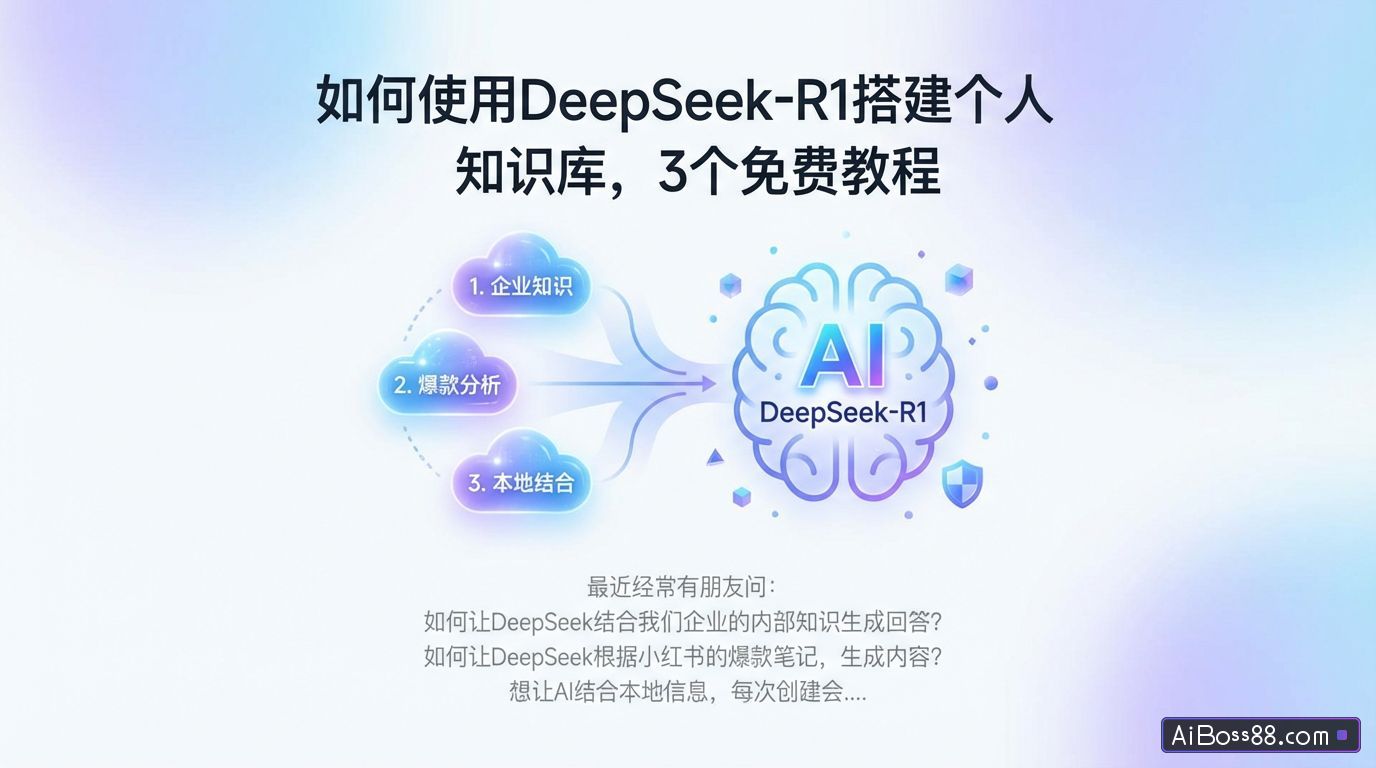
Recently, many friends have been asking:
How can we leverage DeepSeek to generate answers using our company's internal knowledge?
How can DeepSeek generate content based on popular posts on Xiaohongshu?
Want toAIUsing local information, I have to upload a file every time I create a session, and there's a file size limit, which is too cumbersome. Is there a way to optimize this?
My answer is: Build a personal knowledge base!
1. By building your own knowledge base, DeepSeek can generate better and more accurate answers for you.
2. It allows for easy addition, deletion, and updates at any time, eliminating the need for frequent uploads of reference files. No coding knowledge is required, making it easy to use.SimpleagainHigh efficiency.
01
What is a personal knowledge base?
What is a personal knowledge base, and how does it work?
If we compare DeepSeek to our brain, then the dialogue is the exam, and DeepSeek's answers are based on the knowledge we've learned (the data used for training).
A personal knowledge base is like turning an exam into an open-book exam. By "learning" and "searching" within the knowledge base, the generated answers become more accurate.
For example, when I use DeepSeek-R1recommendBlack Myth: Wukong related attractions, paired with Xiaohongshu (Little Red Book)PopularAfter consulting the travel guide's knowledge base, its answer is as follows:
Not only did the answers reference knowledge base materials, but even the structure and layout of the content were similar, so the generated answers could basically be used directly.
This article teaches you three ways to build a personal knowledge base to meet your needs in different scenarios:
1. Deploy DeepSeek+ locally to build a knowledge base
Advantages: No internet connection required, strong data privacy, completelyfree;
Disadvantages: It has certain configuration requirements and basically cannot use the full-power version of DeepSeek-R1;
Suitable for companies with high data privacy requirements;
2. Using the API to call DeepSeek+ to build a knowledge base
Advantages: Convenient, supports the full version of DeepSeek-R1, usable.Large ModelA great many;
Disadvantages: It requires the consumption of tokens, and long-term use will incur certain fees;
3. Directly use the DeepSeek+ knowledge base, a one-stop tool.
Advantages: UseSimpleIt supports the full version of DeepSeek-R1 and can use knowledge bases shared by others;
Disadvantages: The PC version only supports uploading local files;
Suitable for novice users, no local deployment required.fastHaving a personal knowledge base, and completelyfree.
02
Deploy DeepSeek locally to build a knowledge base
Ollama + AnythingLLM
To build a knowledge base using DeepSeek locally, you'll need Ollam and Anything.LLM.
We need to download DeepSeek using Ollam. If you don't know how, you can refer to the previous tutorial on deploying DeepSeek locally.
DeepSeek local deployment tutorial, even beginners can learn it!
After downloading DeepSeek, we need to access the system's environment variable settings. (Path: Right-click My Computer - Advanced system settings)
In Windows user variables, click New.
Enter the variable name:OLLAMA_HOST
Variable value:0.0.0.0:11434
Note: Ollam needs to be running during the setup of the knowledge base and subsequent use; do not exit it!
If you accidentally close Ollama, you can search for PowerShell in the taskbar and click to open it.
Open AnythingLLMGo to the official website and select the corresponding system version to download.
For those who find downloading from the official website slow, you can also use the installation package I've prepared.
GetAnythingLLMInstallation package Scan the QR code to follow and reply: AnythingLLM
Install directly after downloading.
Next comes the important part: creating your personal knowledge base! We click on the settings icon.
existartificialintelligentProvider -LLMIn the preferences, select Ollam as...LLMProvider, enter the Ollama Base URLhttp://0.0.0.0:11434.
You can then select your local DeepSeek at the location shown in the image.Large ModelClick "Save" in the upper right corner.
Next, we can upload content to the knowledge base.
itSupports uploading local files, alsoEnter web link to uploadTherefore, whether it's documents that we summarize and internalize or useful information found online, we can use them to enrich our knowledge base.
After uploading, the files will first go to the temporary storage area on the left (shared by all knowledge bases, so if there are multiple knowledge bases, it is best to create folders in the temporary storage area to manage them separately).
The right-hand workspace contains all the content of the knowledge base, which can be optimized by adding or deleting content at any time.
In the dialog interface, we select a workspace, and DeepSeek will generate a more accurate answer based on the document content within it.
03
Silicon-based flow API+Cherry Studio
Building a knowledge base
What if my personal computer configuration isn't good enough, but I still want to use the full version of DeepSeek-R1 with the knowledge base?
You can use the DeepSeek API to build a knowledge base. When building the knowledge base, you also need to select the embedding model.
We went to the official website of Silicon Flow and clicked on API Key.
Create a new API key, then click "Copy Key" for later use.
Visit the Cherry Studio website and download the application.
After installation, open the application and click on the settings in the lower left corner.
In the model service, select silicon-based flow, enter the key we just created, and click check.
If you check DeepSeek-R1 and a notification pops up indicating a successful connection, it means you can use the full-featured DeepSeek-R1 for conversations.
If this fails, you need to click on "Manage" on the page and manually add the DeepSeek-R1 model.
We also need to go back to the official website of Silicon Flow to configure an embedding model.
Embedded models can convert uploaded files into numbers that are easy for computers to understand, and then store them in their vector database. When we ask them a question, they use RAG technology to search the database for relevant answers and finally output them to us.
In the model plaza, select Embed.
Click to copy the model name:BAAI/bge-m3.
Return to the Cherry Studio interface and click Manage.
Click the "+" sign to add an embedded model.
Then we go to the knowledge base and click "Add".
Enter the knowledge base name and select BA as the embedding model.AI/bge-m3, click OK.
The file upload page supports a wide variety of file formats.
It supports searching within the knowledge base and displays the percentage of content found. This allows us to easily view the knowledge base's content at any time.
Returning to the dialog interface, select the DeepSeek-R1 model and the knowledge base you just created in the bottom dialog box, and you can start using it.
The generated answer will display the cited content and the specific document information at the end.
04
ima.copilot
One-stop access to the R1+ knowledge base
If you are a complete beginner and find the previous local deployment and API calls to be rather complicated, then this last tool is more suitable for you.
Use ima.copilotOne-clickCreate a knowledge base with a simple interface and easy operation.Simplestill completelyfree.
No need to use multiple tools together, just talk directly to DeepSeek-R1 full version.
Click to create a knowledge base.
Enter the name and description of the knowledge base.
Click to upload a file.
One of the convenient things about ima.copilot is that it is compatible with WeChat Mini Programs.
When I see a particularly good article on a WeChat official account on my phone, I can click the "..." in the upper right corner to select more ways to open it.One-clickStore it in my knowledge base.
In the knowledge base interface, we can directly start a conversation with DeepSeek-R1 Full Version.
ima.copilot is the mostpowerfulThe advantage is that even if you don't know how to build a knowledge base, you can still use knowledge bases shared by others.
Building a personal knowledge base is a fantastic learning habit.
When we find good content, we add it to a knowledge base, and it can...fastExtract the core ideas from documents and save 90% of information processing time..
WillTransforming fragmented information into a structured knowledge systemContinuously iterate and update.The "most powerful DeepSeek plugin" is built using tags and bidirectional links.
No complex instructions are needed; even those with no coding knowledge or prior experience can generate accurate content.,CanfastCreate "AI"Differentiated professional barriers in vertical fields".
Which of these three methods for building a knowledge base do you think is most suitable for you? Give it a try!