
AI-generated Ghibli-style images: 7 free GPT-4o substitutes.
AI-generated Ghibli-style images: 7 free GPT-4o substitutes.
The GPT-4o's raw image mode is incredibly popular lately! It lets you experience classic films like those by Miyazaki Hayao – truly amazing. Even a casual snapshot looks fantastic after the style change, as if you have a protagonist's aura. Today, I'll introduce these 7...
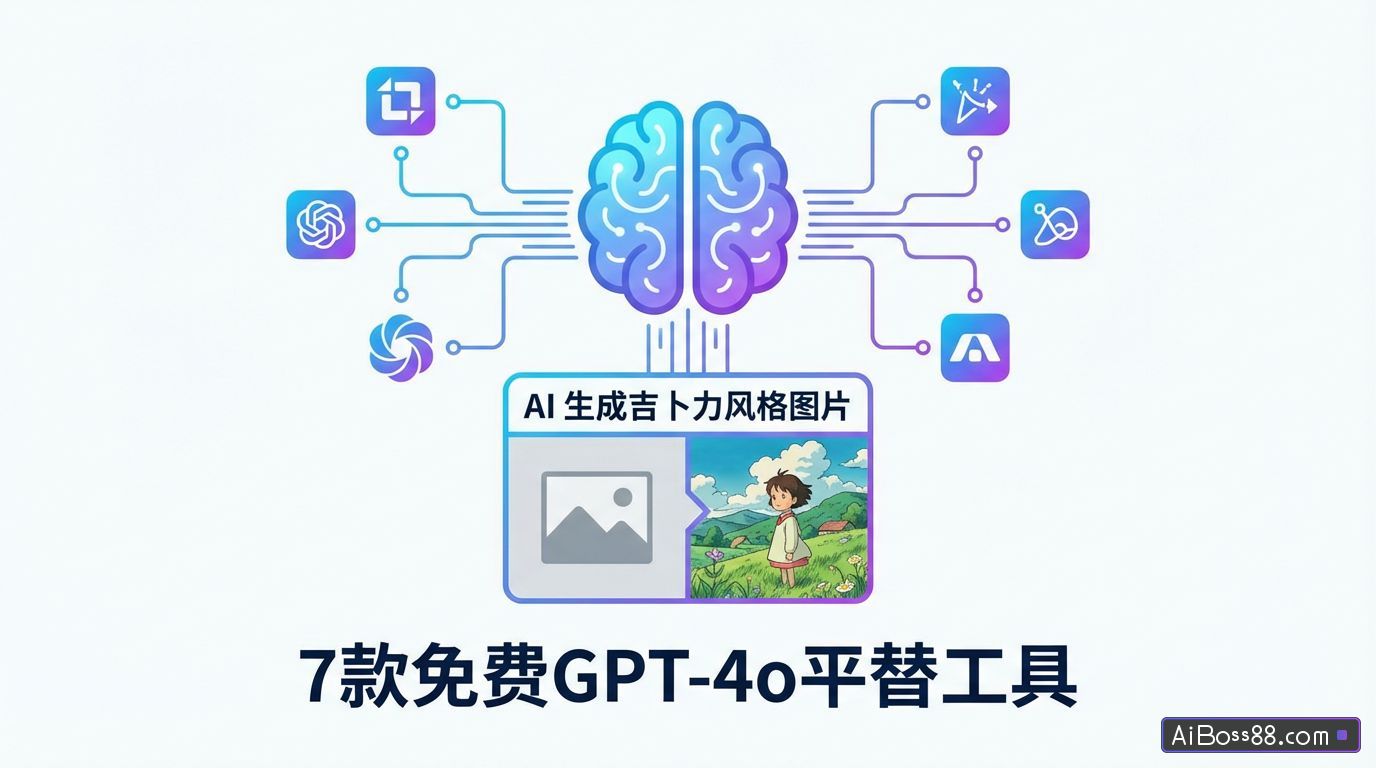
recentGPTThe -40 raw image mode is incredibly popular!
Watching classic films through Miyazaki's lens is truly amazing. Even a casual snapshot looks stunning after being styled, as if it has a protagonist's aura.
Many friends want to try it, but unfortunately...GPTThe -4o skill has too high a barrier to entry; it requires magic and there's a limit to the number of times you can use it.
Even if you pay $20 to become a member, the app still crashes frequently.
Actually, there are manyAIAll tools have the Ghibli-style function.
Today I'll introduce these 7 products...freeA tool to convert videos to the Studio Ghibli style; a step-by-step guide to creating Miyazaki Hayao-inspired comics; let's make the currently trending Studio Ghibli-style videos together.
01
Image converted to Studio Ghibli styleI generated an image using JiDream and compared the Ghibli-style conversion effects of these tools.
Tool 1: Dream
Open the image generation interface of JiMeng and click Import Reference Image.
Upload the image whose style you want to change, and select...intelligentFor reference, the parameter should be set to around 50.
If you are not satisfied with the generated image, adjust the parameters here. Larger parameters result in a more accurate image closer to the original, while smaller parameters lead to greater image alteration. InputPrompt wordsThe animation style is reminiscent of Studio Ghibli's healing Japanese animation style, retaining key character features, with delicate, smooth, and simple lines and outlines, using cel animation techniques, adding soft shadows, Miyazaki Hayao's art style, and 8K high-definition rendering.
Select Image 2.0 Pro as the raw image model and click Generate Now.
Of the four generated images, select the one you like best. Move your mouse over the image, click "..." to view more, and then select to edit on the canvas. Click "Export" in the upper right corner, choose any format to download, and you will get a watermark-free image.
Tool 2: Steamed buns
Choose bean bunsAIraw photos
Upload a reference image and enter: "Turn this image into a Studio Ghibli style".
Click send, and it will be generated in just a few seconds.
Tool 3: Band-Aids
Click to upload a reference image.
Click on "Reference Method," select "Reference Style" from the drop-down menu, and then choose the Ghibli style.
Select the resolution and the number of generators per batch below, then click Generate.
The number of stickers given away by the Chuangketie app is relatively small, so it is recommended to generate one sticker at a time and use them sparingly.
However, it supports multiple account login methods, allowing you to claim points (for raw photos) multiple times.
Tool 4 EasyControl Ghibli
Click to upload an image.
Adjust the output image size to a suitable level; leave other settings as default. Click "Generate Image".
Tool 5 Grok 3
After logging in, click the icon in the lower left corner of the homepage to upload an image. Activate "Think" mode and enter...Prompt wordsTo change the image to a Ghibli style, click send.
Tool 6: Tencent Yuanbao
Click on Tencent Yuanbao.
Select HunyuanLarge ModelUpload a reference image, enter your desired style (e.g., Ghibli), and click send.
Note that you should not select "deep thinking" here.
Tool 7 Pixel CatAI
In the photo album, select the photo you want to convert, and the process will begin.automaticQueue generation.
02
Video converted to Studio Ghibli style
The Ghibli videos that went viral online are Ghibli-style remixes of famous scenes from movies and TV shows.
First, we download the original video of the series and save the first frame of each scene as an image.
Convert the images to the Studio Ghibli style.
Upload Ghibli-style images to Keling and use the first and last frames to make the transitions between videos smoother.
Based on the actions of the characters in the original video, input...Prompt wordsCamera movement + character actions. Use the image-to-video function to replicate the characters' actions in the original video.
After the video is generated, select the lip-sync option below, upload the audio, match the person's lip movements with their voice, and then download the video.
Import all the video segments into CapCut, then re-edit them according to the original video. The Ghibli conversion of the video is now complete.
Let's see how it goes:
03
Explore more styles
Are you itching to try it out? Actually, there are many more amazing ways to switch styles, which I've compiled below. Feel free to give them a try if you're interested:
3D
Q-version cartoon
DisneyNi
painting
Chinese style
All tools mentioned in this article:
- Dream:
- bean bag:
- Band-Aid:
- EasyControl Ghibli:
- Grok 3:
- Tencent Yuanbao:
- Pixel CatAI:
- GPT-4o: