
Hermes Agent Deployment Complete Guide - Installation, Configuration, and Lark Integration All in One Article
Hermes Agent Deployment Complete Guide - Installation, Configuration, and Lark Integration All in One Article
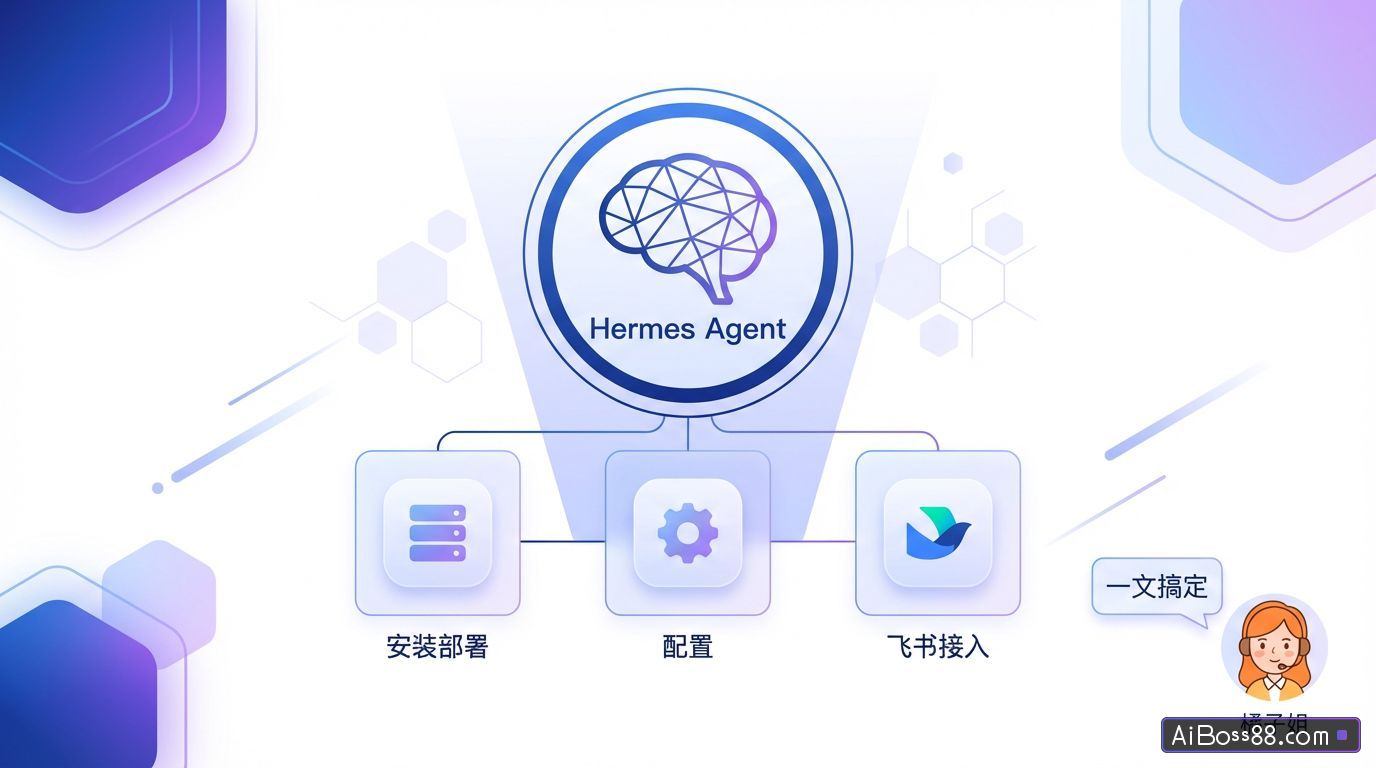
Hermes Agent is an AI agent project launched by the well-known open-source AI lab Nous Research. Today, I'll guide you through the entire process of understanding Hermes Agent, local installation and deployment, and integrating it with Lark.
The impact will be clearly felt in 2026. AI The speed of evolution,OpenClaw The lobster craze hasn't died down yet, and now there's a new Hermes brand.
Some users have already installed and tested it overnight and reported a very good experience.
Some friends say it's more fun than lobster, and they've already started their mission.
The reason it's better than OpenClaw is because Hermes can evolve on its own!
Group members tested it out: for personal use, it can completely replace OpenClaw~ It seems that...
exist AI A blockbuster product is bound to emerge within two months.
However, some users encountered installation issues or found that using Doubao (a Chinese instant messaging platform) was not effective.
Today, Sister Orange will guide you through understanding Hermes in one article. AgentThe entire process of local installation and deployment, and connecting to Lark.
Scan the QR code to follow our official WeChat account and reply with the following code:Agent"EnterAIThe chat group answers installation questions.
Hermes Agent What is it?
Hermes AgentIt is well-knownopen source AI laboratory Nous Research Launched AI intelligentbodyproject.
GitHub address:https://github.com/NousResearch/hermes-agent
Its positioning is very clear: it's deployed on your local machine/server, it grows with you, and it's a persistent personal application.intelligentbody.
It was only officially held at the end of February this year.open sourceIn less than two months, the number of stars on GitHub has surged to over 88k, making it the fastest-growing GitHub account this year. AI Agent frame.
MIT license, completelyfreeCommercially usable, supports Linux, macOS, and WSL2.
But Hermes Agent The truly impressive aspects are actually these:
01 Write it yourselfSkill.
Is it the other Agent Core capabilities to widen the gap
After completing a complex task that uses the tool more than 5 times,automaticExtract the solutions into a structured Skill document and store it locally. When you encounter a similar task again, you can directly call it, skipping the exploration stage. The longer you use it, the faster you will be.
According to official tests, after a week of use, the execution speed of research tasks can be improved by 40%.
Furthermore, they regularly engage in self-reflection, doing so every 15 tasks.automaticOptimize existing skills so that they don't require manual maintenance at all.
Just like a student who diligently keeps a notebook of their mistakes, they will pay more attention when they encounter similar questions they are likely to make mistakes on in the future.
02 Three layers of memory.
noSimpleHermes' memory, which stores chat logs, is divided into three layers:
Skill memoryThe accumulated Skill documentation.
Long-term memoryUser habits, decision preferences, and historical task records.
Short-term memory: Current session context.
For example, if you switch from Telegram to Lark halfway through a conversation, you can remember the entire context; if you switch computers, you can log in to your account and continue the conversation.
03 Safety protection.
one Gateway processAll platform integrations have been completed, and it currently supports Telegram, Discord, Slack, Lark, and WeChat Work stably. The Beta version supports WhatsApp and Signal, so domestic teams can use it with confidence.
The security features are very robust, with five layers of protection from the factory: prompt injection scanning, credential filtering, sandbox isolation, operation approval, and IP whitelist, making it safe to use in production environments.
Seeing this, don't you want to deploy this horse 🐎 and give it a try right away?
Local deployment of Hermes Agent
I'll use a Mac system as an example to demonstrate. Open the Terminal command prompt, type the following official installation command, and press Enter:
curl -fsSL https://raw.githubusercontent.com/NousResearch/hermes-agent/main/scripts/install.sh | bash
It's unlikely to go smoothly. If you encounter the same error message as me...
The error message was because although I had a proxy enabled, my terminal was not connected to the proxy, so my Mac could not connect to GitHub.
💡Solution: If you have a proxy, copy the terminal command here directly from the proxy, paste it into the terminal command prompt, and press Enter.
Alternatively, you can execute the following command in the terminal:
#假设你的代理是7890端口(7890要替换成你的代理正确的端口)export https_proxy=http://127.0.0.1:7890export http_proxy=http://127.0.0.1:7890
Then execute the Hermes above. Agent Installation command.
The terminal displays the following image: Hermes Agent When you see the style, it means the installation has started.
I had previously installed OpenClaw, and all the required environments were fine; it went very smoothly.
Then Hermes Agent meetingautomaticThe installation script will configure some dependent components.automaticIt's already been processed, no need to worry about it, just wait.
Once the process is complete, it will display a configuration wizard status, and then you're all set.
It now prompts me that it detected I previously installed OpenClaw and asks if I want to import its settings, such as model settings and API keys. I choose not to import, type "n" and press Enter.
If you wish to import it later, you can manually migrate it using the Hermes Claw Migrate command; you can decide for yourself.
Next, select "Quick Step".
Next, go to the model API configuration and select the model that already has an API key.
You can skip the IM configuration for now; let Hermes run first. Agent Let me help you configure the integration.
Then you can leave the following options as default.
The prompt asks, "Now talk to Hermes?" Type "y".
Then you can chat with Hermes. Just type "hello" and you'll get a reply.
Access Lark
Log in to the Lark Open Platform to create your own enterprise application.
https://open.feishu.cn/
Enabling the "bot" capability and requesting certain message permissions for receiving and sending messages is the same as the previous process of integrating OpenClaw.
After creating and publishing, give the Lark robot's App ID and App Secret to Hermes. Agent Let me help you configure the integration.
If the intermediate steps don't work, keep telling Hermes. Agent What is the current status? For example, if you send a message to the robot and it doesn't reply, tell it to handle it itself.
After finally getting it working, sending a message to Lark will send you a pairing code, which you then send to Hermes. Agent Once the pairing is complete, the process is finished.
Right now, I have both 🦞 and lobster. Agent and Hermès Agent Haha, that's who I am.
Like OpenClawPopularopen source AI AgentThe two are completely different in their positioning; neither is better than the other, only which is more suitable for your situation. If I have a lot of repetitive work to do every day, I would prefer...recommend Hermes AgentBuilt-inautomaticThe longer you use OpenClaw, the better it understands your habits, and the more your execution efficiency will improve. However, if you have enterprise-level needs or are already using OpenClaw for multi-channel management, then continuing to use OpenClaw is fine, and there's no need to switch back and forth.
Hermes is more like a senior colleague; you don't need to explain things repeatedly, making it suitable for individuals and small teams who don't want to go through the hassle and want to save time.
OpenClaw is like a controllable new employee, with completely transparent and customizable behavior, but it requires manual training and input, making it suitable for complex enterprise-level scenarios.
The overall deployment process is relatively more complex than OpenClaw.SimpleSome might say it's because they've already walked the Lobster Road once before.
I ignored Hermes on Lark for about half an hour, and then I received a message from it. For a moment, it really felt like a colleague, a friend, a partner, not a robot.
I want to share another passage I wrote in a previous article.This is the article.
Build a Agent It's like raising a person, from a child to an adult..
I think it looks very similar:
Ten months of pregnancy 🫄 👉 birth 🐣 👉 nurturing 🧑🍼 👉 learning to speak and express 👉 being able to ask questions and think 👉 solving problems independently 👉 learning skills (walking, running, cycling, learning various life skills, social skills, etc.) 👉 then the next step is to use those skills to find a job, earn money, get married, have children, and then survive.
Look at the present AI The direction of evolution is completely consistent.
Our generation isConnecting the past and the future.
Scan the QR code to follow our official WeChat account and reply with the following code:Agent"EnterAIThe chat group answers installation questions.
Original link:Understanding Hermes in one article AgentLocal deployment and Lark integration tutorial