
Office Raccoon Desktop Client 2.0 Test - Say Goodbye to Uploading and Downloading, Direct AI Control of Your Computer
Office Raccoon Desktop Client 2.0 Test - Say Goodbye to Uploading and Downloading, Direct AI Control of Your Computer
Friends, I recently discovered that SenseTime's Little Raccoon has launched China's first OPC (Optical Process Control) Capability Challenge. Those of you who use OPC or AI to improve office efficiency should check it out. There are two tracks: one for beginners...
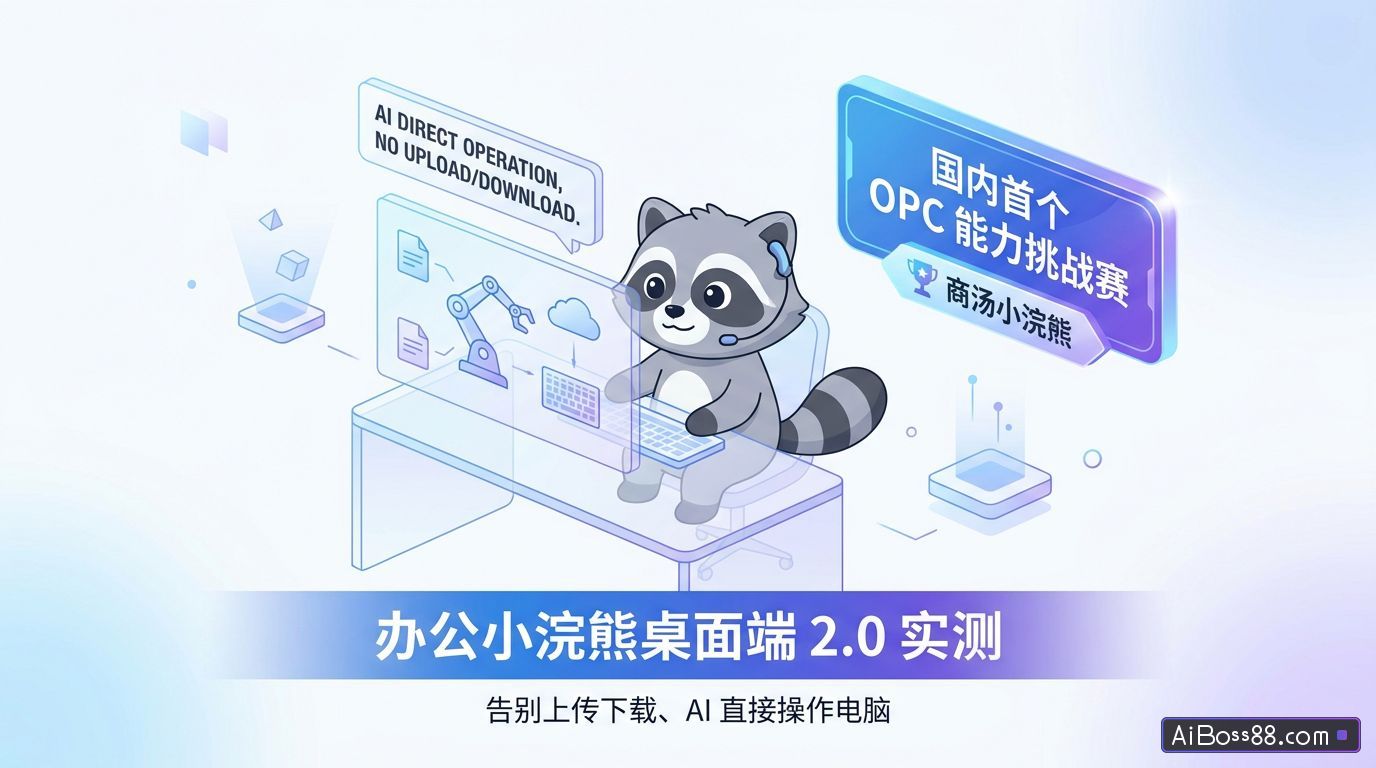
Friends, I recently discovered that SenseTime's Little Raccoon has done the first of its kind in China. OPC Capability Challenge.
OPC or everyday use AI For those looking to improve work efficiency, check out these two tracks: one is the beginner's debut track, where you simply need to complete a real task using the Office Raccoon app and then post it on social media to participate.
The other is the advanced creation competition, which is more suitable for those who already know how to use it. AI For those of you who handle complete business tasks, such as data analysis, competitor monitoring, report generation, and business debriefing.
The total prize pool is 550,000 yuan, with the highest individual prize reaching 100,000 yuan!
Completing real tasks and checking in with the raccoon every day gives you a chance to share in a prize pool worth over 2 million RMB, which is really attractive!
However, I don't want to focus solely on the competition in this article; I'd rather pay attention to the newly released Office Raccoon Desktop Client 2.0.
We used to use AI The typical office workflow is as follows: Open a webpage - Upload a file - Wait... AI Analyze - Copy Results - Switch Pages - Paste and Organize.
This process of uploading, downloading, and switching between pages is really annoying.
Now,Office Raccoon Desktop Client 2.0 allows you to work directly on your computer.I can invoke it from any interface, allowing it to read local files, process tables and documents, operate the browser, and directly import the generated results.Lark DocsThe whole process is much smoother now.
The previous desktop version was more like a desktop entry point for the web version, only it was easier to open and more stable to use.
This time, the Office Raccoon Desktop Client 2.0 is the first to participate in the actual execution on the computer.
Long-term memory
After opening the desktop client, we first set up the initial long-term memory, such as our name, professional role, response style preferences, industry, commonly used tools and environments, common task types, fixed rules and preferences, etc.
Once this information is set, it won't need to be re-interpreted every time it performs a task.
For example, if I tell it to call me Sister K, and to keep its replies concise and its output practical, it will follow that habit from then on.
Local file processing
I think the most useful upgrade is the Office Raccoon Desktop Client 2.0, which can directly handle local files on your computer.
Previously let AI File processing almost always involves uploading. Now you can directly specify a workspace. Permissions can also be controlled manually. In the settings, file read permissions are divided into three categories: read only files within the current specified workspace, access a specified folder, and grant full permissions.
We recommend selecting a specific folder for easier control. AI Access boundaries. We can also specify the workspace directly in the chat box.
For example, I created a new folder specifically for storing files processed by the Office Raccoon Desktop Client 2.0.
We collected monthly sales data for the Chinese passenger vehicle market in 2026 and compiled it into an Excel spreadsheet. The data was categorized into three levels: top 20 overall models, top 20 new energy vehicles, and top 20 gasoline-powered vehicles. We prioritized data from the China Passenger Car Association (CPCA), monthly reports from various automakers, official press releases, data from the China Automobile Dealers Association (CADA), and reliable third-party statistical websites.
The Office Raccoon Desktop Client 2.0 will start working according to my preferences as I remember them, such as calling me Sister K and giving me a concise reply.
Office Raccoon Desktop Client 2.0 can automatically break down tasks, find information, organize data, and generate local files, all without requiring manual intervention.
In the specified folder, Office Raccoon Desktop Client 2.0 successfully collected a batch of CSV files and compiled them into an Excel spreadsheet.
An analysis report was also generated:
The biggest difference between the desktop and web versions is this: we don't need to switch interfaces, upload, copy, or paste.AI I processed the materials directly on my computer.
In high-frequency office scenarios, the time saved is more than just a little bit.
Batch file processing
Local files can also be batch-recognized and processed. For example, I put Meituan's annual report and interim report into the workspace and sent them:
You are a senior business analyst and financial statement analyst. Analyze Meituan's annual and interim reports in your workspace to complete an in-depth financial analysis of Meituan.
Please base your analysis strictly on the local report content and avoid fabricating data. All key figures must be clearly labeled with the year of origin, report type, and relevant section. If a figure is not explicitly disclosed in the report, please indicate "Not disclosed in this report".
Office Raccoon Desktop Client 2.0 can batch recognize PDF files and generate intuitive interactive charts based on the data we provide.
It can also summarize the content of the report, making it concise and effective:
Not just PDF, but also common office file formats such as Excel, CSV, Word, PPT, Markdown, TXT, image files, etc., more than 20 file formats are supported.
Control your browser with a single sentence
Office Raccoon Desktop Client 2.0 has a built-in browser.automaticTo enhance our browser's capabilities, we can download browser utility plugins in the settings; these plugins are built-in. Playwright MCP Let AI Open webpages, read pages, and fetch content according to instructions.
Open the Peking University website, retrieve last year's admission scores, and save them locally.
Office Raccoon Desktop Client 2.0automaticOpen your browser and visit the official website of Peking University.
To find the official table containing the 2025 admission scores, the Office Raccoon Desktop Client 2.0 will...automaticClean the fields and then save them locally.
Very suitable for handling some operationsSimpleHowever, these are time-consuming tasks. For example, checking official website announcements, scraping competitor information, monitoring public news, etc.
Previously, this kind of work required us to manually click through web pages one by one to collect information. Now, we can... AI Let's run it once first and then check the results.
Quick Bar global activation
In any application, we can use a keyboard shortcut to launch the raccoon (⌘K for macOS, Ctrl + K for Windows). It's perfect for high-frequency, fragmented office tasks, improving the efficiency of real-time processing in scenarios such as documents, spreadsheets, web pages, and chat.
For example, if we are viewing a document or webpage, we can directly launch the Office Raccoon Desktop Client 2.0:
Summarize the core points of this passage.
For daily office work, if you need functions such as translation, summarization, rewriting, polishing, extracting key points, and analyzing viewpoints, you can simply launch the Office Raccoon Desktop Client 2.0 from any page.
Connecting Enterprise IM
Office Raccoon Desktop Client 2.0 can directly connect to Lark. We can do this in the settings.One-clickconnectLark CLIAfter clicking "Batch Install Skill",Agent You can then directly operate Lark.
We've enabled all content generated by Office Raccoon Desktop Client 2.0 to be...One-clickExport as Lark documents and integrate them into team documents, knowledge bases, and collaboration workflows.
Support for WeChat Work CLI and other technologies will be available soon.DingTalk CLIConnecting internal enterprise data and AI Office skills.
Scheduled tasks
For some routine tasks, we can set the time and task content, allowing the Office Little Raccoon Desktop Client 2.0 to handle them. automaticimplement.
A daily stock market briefing is generated at 16:00 every trading day.
Office Raccoon Desktop Client 2.0automaticAdd a scheduled task, at the designated time...automaticrun.
The content includes market overview, index performance, industry rankings, capital flows, analysis of top traders, hot topic interpretation, risk warnings, and tomorrow's focus. We don't need to manually check market data and sectors every day to get a general understanding of the information.
Currently, Office Raccoon has formed a three-terminal collaboration, entering different work scenarios. The web version is more suitable for complex tasks, the mobile version is suitable for initiating tasks and viewing results at any time, and the desktop version 2.0 is more inclined towards deep execution on a computer.
Office Raccoon Desktop Client 2.0 is more like a work partner that proactively helps us perform tasks, allowing direct manipulation of local files and batch processing of documents.automaticOperating the browser... can basically cover all kinds of daily office scenarios.
One person + AIIt can also accomplish tasks that previously required a small team.
Office AI From simpleintelligentThe assistant is gradually becoming a core component of actual business processes. It drives changes in how data flows and knowledge is managed within enterprises, and brings quantifiable efficiency improvements to individuals and teams.
AI It is no longer just an experimental tool, but a productivity tool that can be truly embedded in workflows and influence efficiency and decision-making.
If you'd like to participate in the SenseTime Little Raccoon OPC Capability Challenge, you can first test it with real-world work requirements, and then go to the SenseTime Little Raccoon official website to select a track and submit your work.
ClickRead the original textCheck out the event details!
Original link:Actual testing of Office Little Raccoon Desktop Client 2.0AI Go directly to the computer to work